Bills read automatically
Upload a bill or let Energy collect it from the utility's portal. It is scanned for malware, read, matched to the right account and meter, and held for review only when something does not add up.
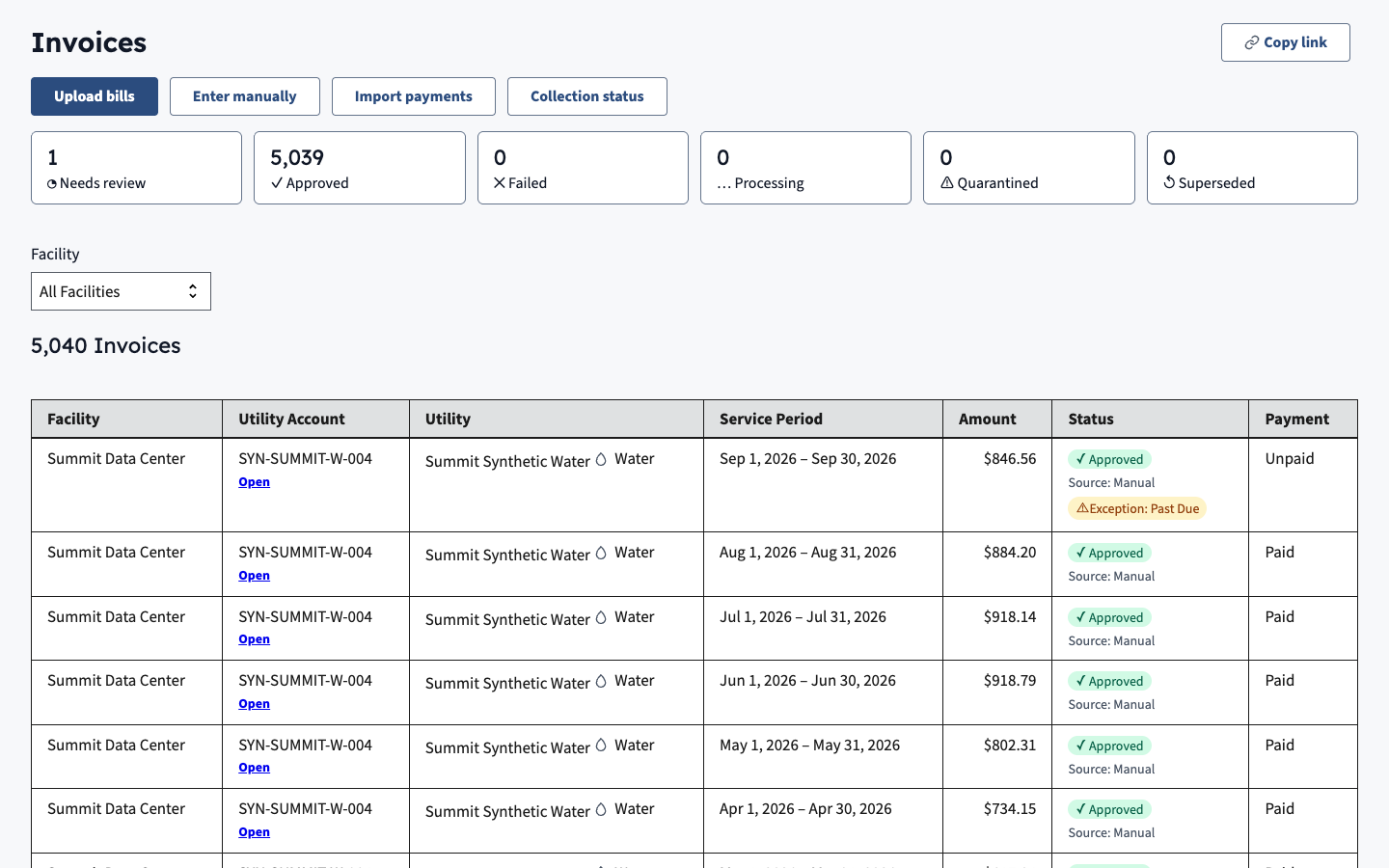
Energy collects your facilities' utility bills, reads them without retyping, flags what looks wrong and builds the reports your program has to file.
Upload a bill or let Energy collect it from the utility's portal. It is scanned for malware, read, matched to the right account and meter, and held for review only when something does not add up.
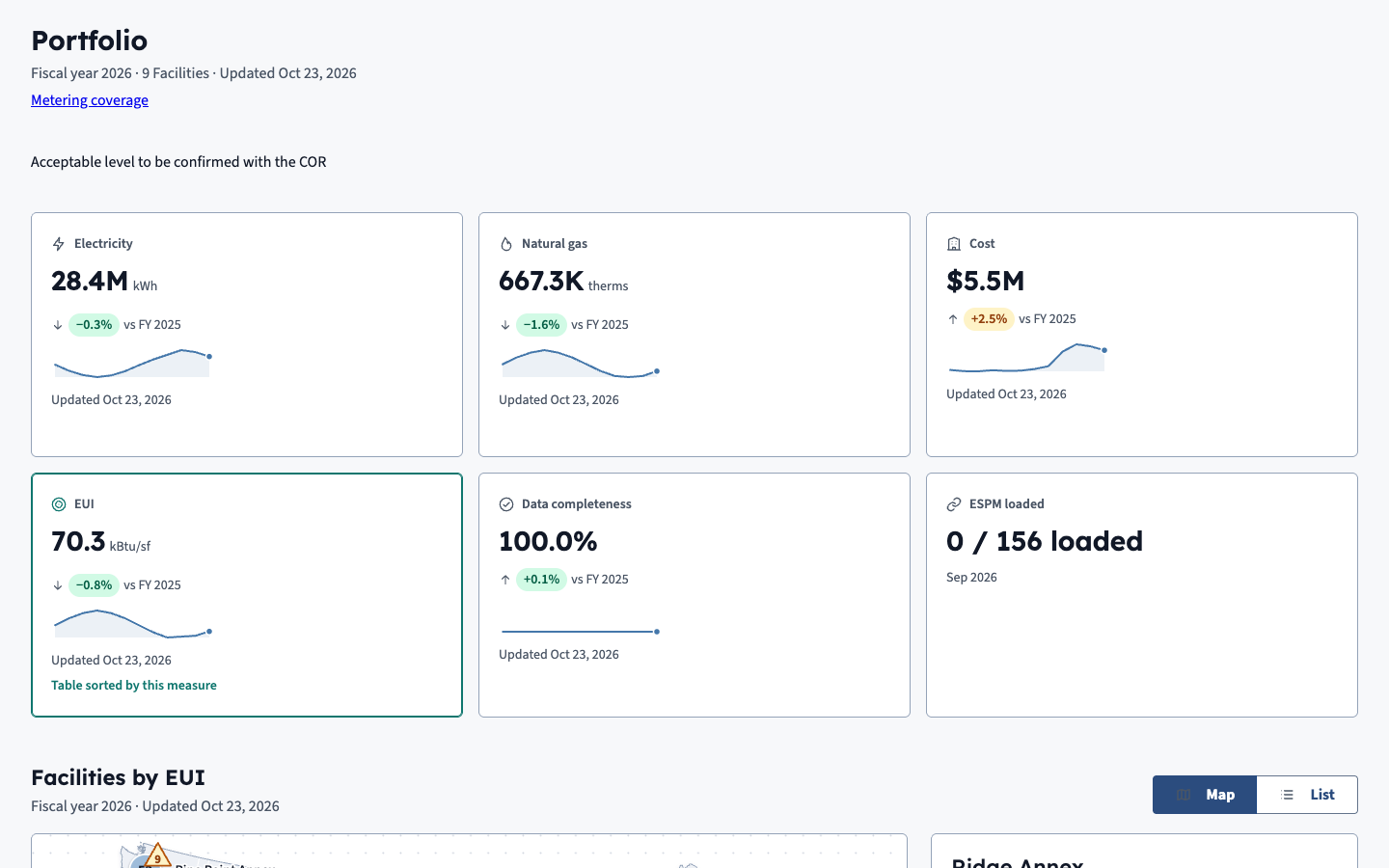
See cost, use and emissions for every facility on one screen, compare buildings against each other and over time, and find the ones that cost more than they should.
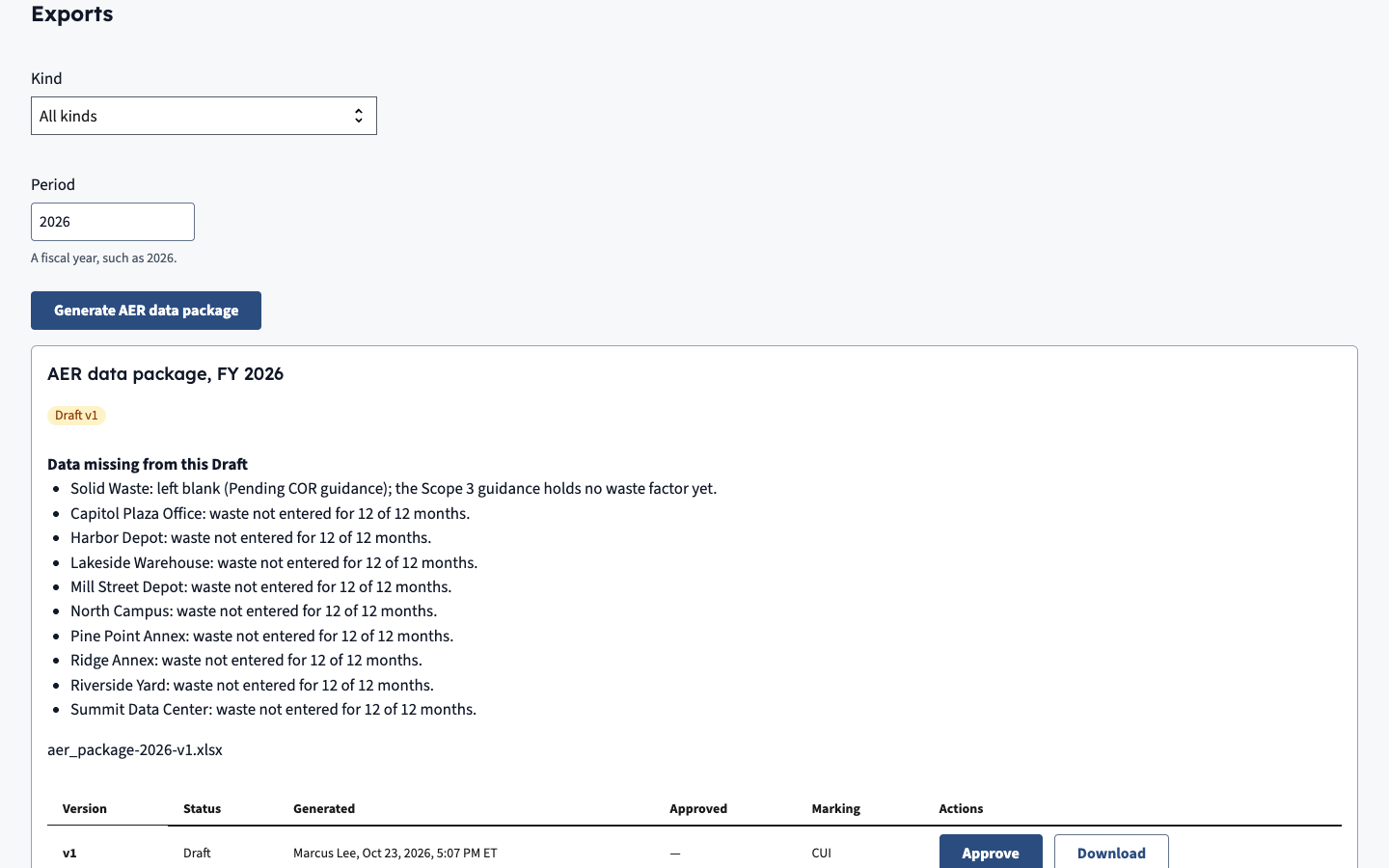
Build the annual and quarterly reports from the same approved bills, review each one before it goes out, and keep a record of who approved what.
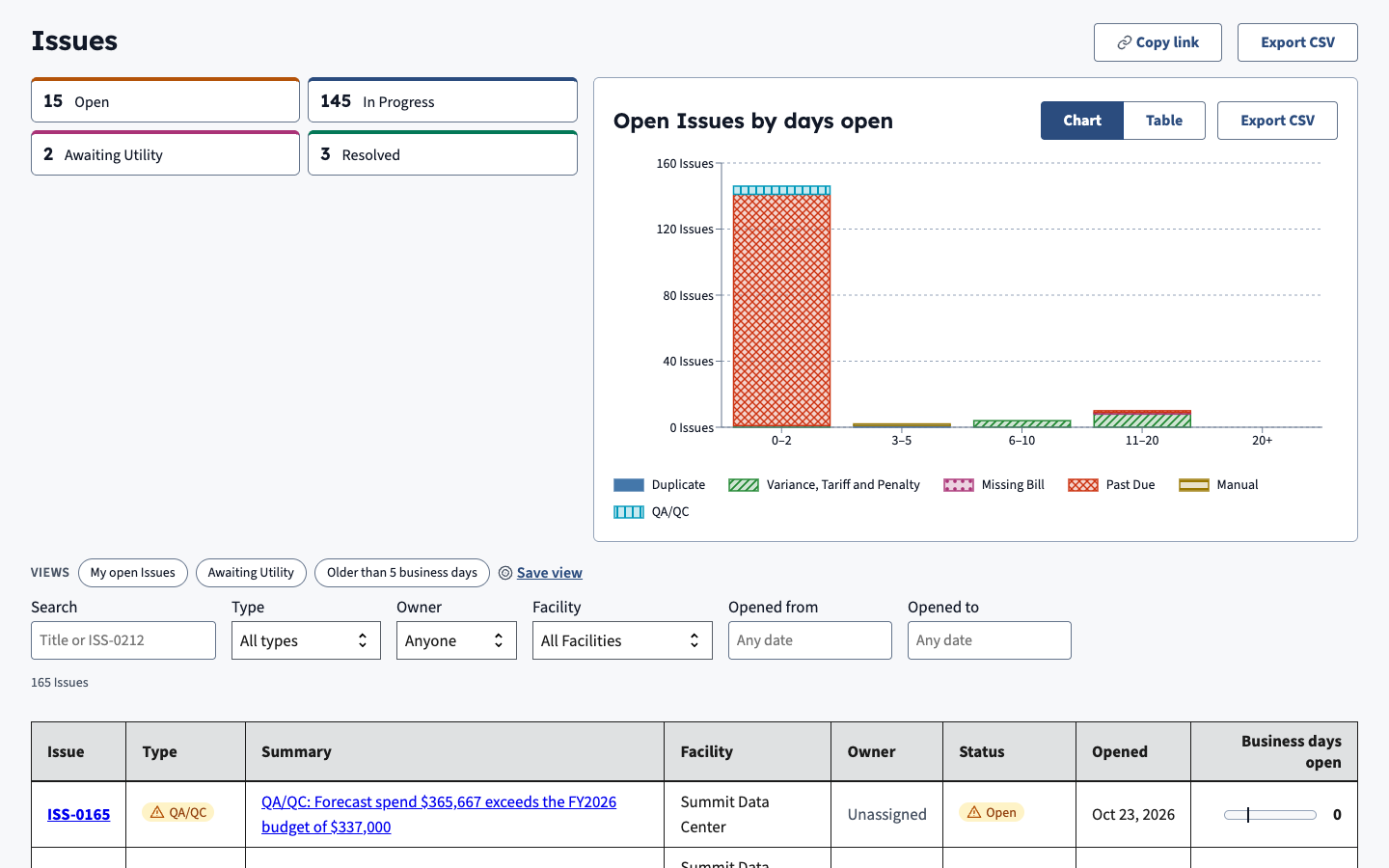
Unusual bills open an issue with an owner and a due date. Track the energy conservation measures that fix them and the savings they deliver once verified.
Tell us about your program and we will set up a walk-through.